Evaluate AI for medical imaging by modality, intended use, FDA record, validation evidence, radiology workflow, and monitoring requirements.
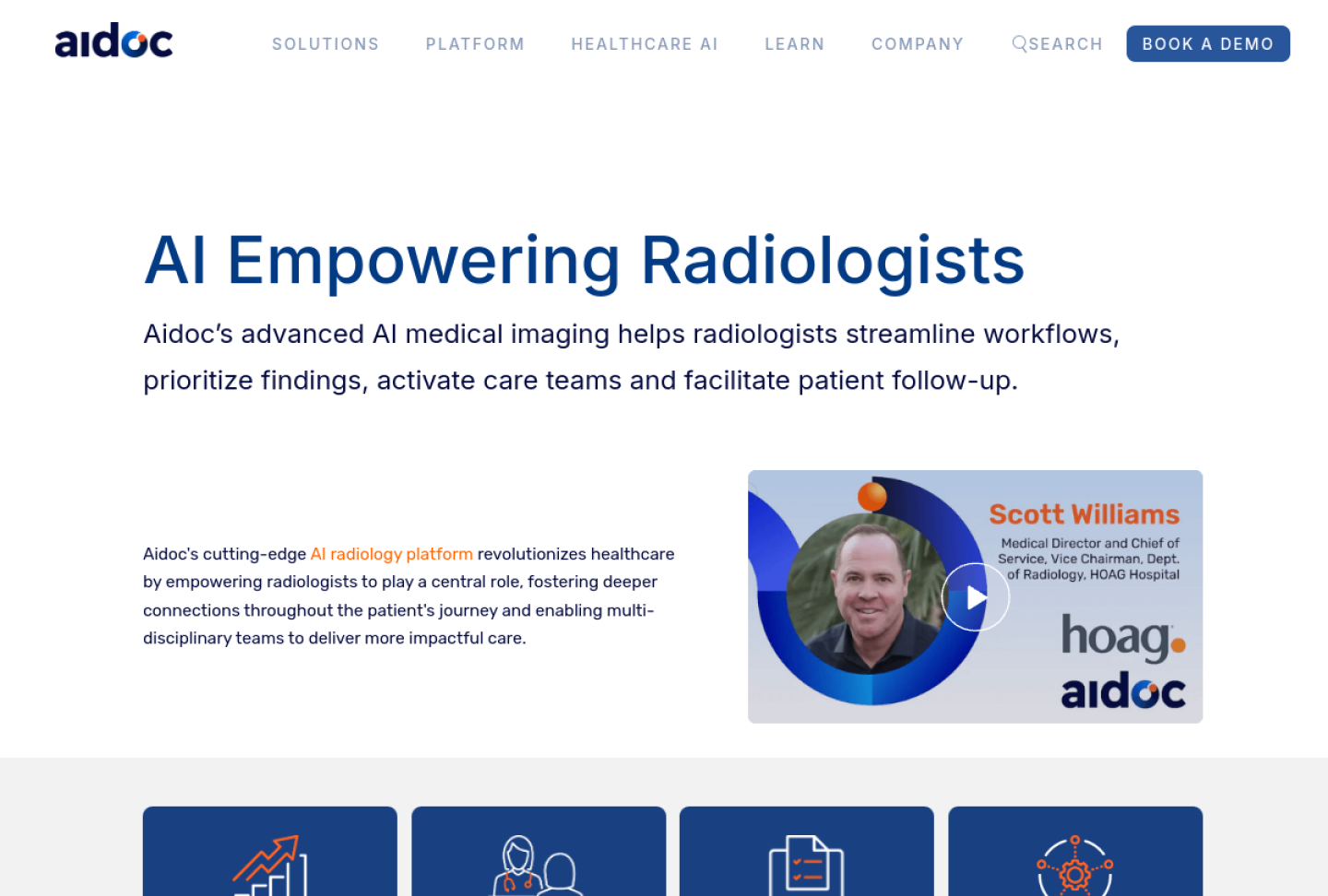
Representative source image: official Aidoc product page.
Quick answer: AI for medical imaging includes computer vision tools that support detection, triage, segmentation, measurement, quality control, or interpretation of medical images. Buyers should verify FDA records, intended use, imaging modality, validation setting, and how clinicians review the output.
Who this guide is for
Radiology, cardiology, dental, telehealth, and federal health teams evaluating imaging AI.
What makes this workflow different
Connects imaging use cases with FDA-status verification and real deployment workflow checks.
What to verify before using it
Match the FDA-listed intended use to the real workflow.
Check modality, body region, specialty, and patient population.
Confirm how results appear in PACS, EHR, or reporting software.
Monitor performance after deployment.
Document who is responsible when AI and clinician interpretation differ.
Risk level and safe use
Medical risk
High
Best first step
Write the workflow in one sentence, decide who reviews the AI output, and test with a small controlled pilot before expanding.
Recommended posture
Use AI as supervised workflow support. Verify sources, privacy, human review, and regulatory fit before relying on outputs.
Source-backed products for this workflow
These profiles are not rankings. They are starting points for checking vendor claims, privacy terms, FDA or regulatory posture, evidence, and workflow fit.
Aidoc describes radiology AI that helps prioritize findings, streamline workflows, activate care teams, and run through an aiOS platform; its FAQ and security pages point buyers to product-specific 510(k) notices, quality-system compliance, and cloud security review.
Best for
Health systems deploying multiple imaging AI algorithms and governance workflows.
First check
FDA-cleared algorithms that match your exact modality and use case.
deepc describes deepcOS as a radiology AI operating system that supports access to multiple AI solutions, workflow integration, evaluation on local data, orchestration, monitoring, and one-contract deployment; official CIO and security materials describe ISO 27001:2022, C5, HIPAA/GDPR positioning, encryption, pseudonymization, and short retention claims.
Best for
Hospitals and imaging networks that want a governed platform layer for radiology AI evaluation, integration, security review, and multi-vendor scaling.
First check
Which deepcOS modules, AI marketplace applications, and clinical indications are included in the deployment.
Rad AI describes Reporting as generative AI radiology reporting software that works with existing microphones, PACS, RIS, EHR systems, templates, and free-dictation styles, while Impressions auto-generates radiologist-style impressions. The company says radiologists review and sign final reports, its security page describes SOC 2 Type II HIPAA+ certification and radiology-report de-identification, and its reporting-platform privacy policy says de-identified findings and generated reports are stored by the service.
Best for
Radiology groups that want reporting assistance, standardized language, and guideline insertion while keeping radiologists in the final-sign workflow.
First check
Whether Rad AI Reporting supports the modalities, templates, macros, consensus guidelines, hardware, and reporting styles used by the radiology group.
Bayer describes Calantic as a cloud-hosted radiology AI platform that gives radiologists access to a curated portfolio of applications for worklist prioritization, detection, quantification, and disease-area service lines through a PACS-integrated viewer. Bayer launch materials position it as a vendor-neutral platform for AI-enabled medical imaging applications, while subscription materials should be reviewed for security, licensing, medical-advice disclaimers, and customer data-processing obligations.
Best for
Radiology teams that want a governed platform layer for deploying multiple third-party or Bayer imaging AI applications across service lines.
First check
Which Calantic applications are available in the intended country, service line, modality, body region, and regulatory pathway.
Sources
4 official sources
Official source trail for this workflow
Open these vendor, documentation, privacy, or regulatory sources before relying on product claims, especially for FDA status, PHI handling, deployment model, and intended use.
Find the best AI for medical workflows by matching the tool to documentation, questions, diagnosis support, research, coding, billing, imaging, or practice operations.
Understand AI for medical diagnosis, including validation evidence, FDA status, clinical supervision, and why patient-specific diagnosis should not rely on general chatbots.