Evaluate endoscopy AI tools for colonoscopy support, FDA status, equipment compatibility, evidence, privacy, and clinician oversight.
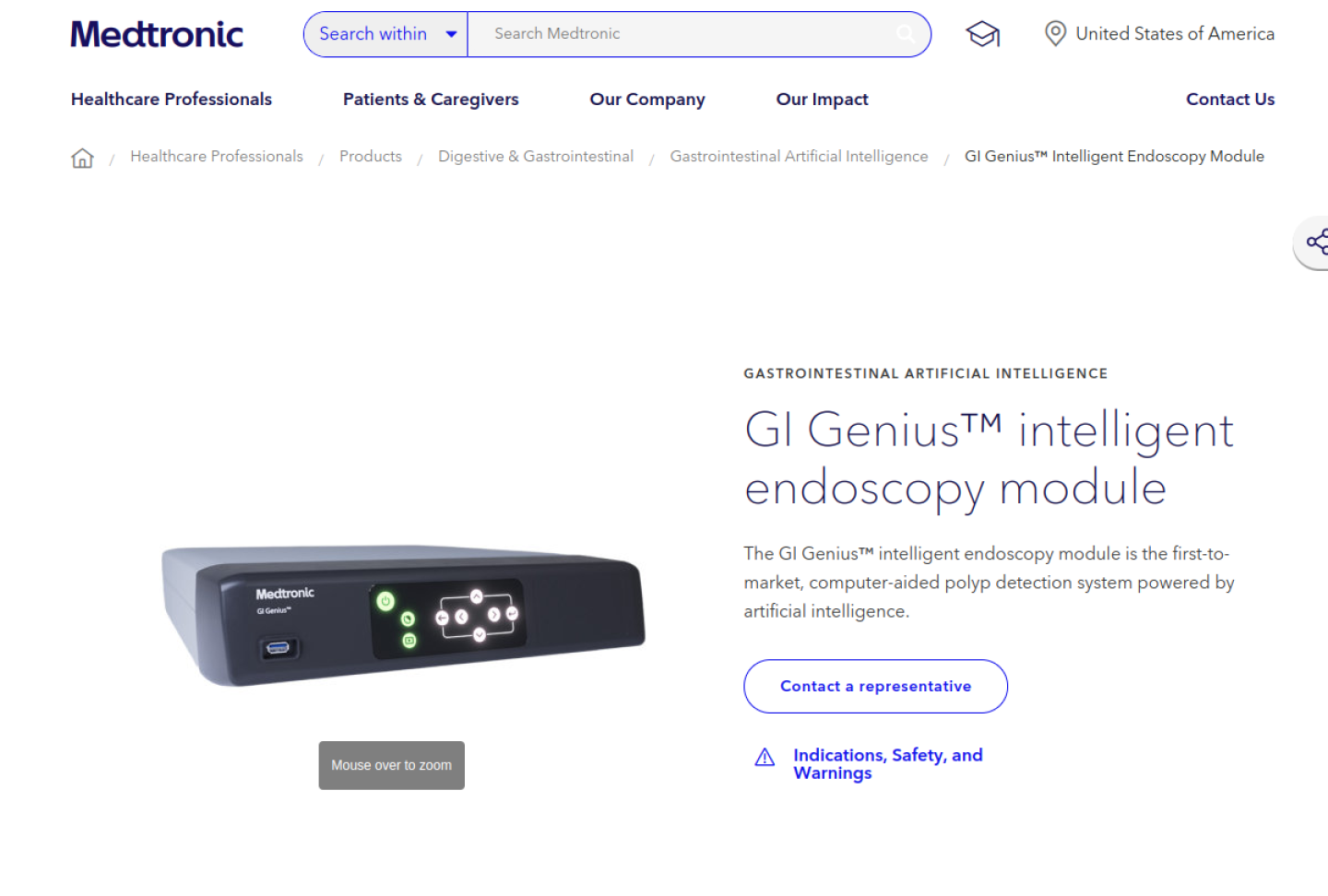
Representative source image: official GI Genius product page.
Quick answer: Endoscopy AI tools can help clinicians detect suspicious mucosal lesions during procedures, but they should not independently diagnose, characterize lesions, or replace biopsy and clinical judgment. Teams should verify FDA status, labeling, equipment compatibility, evidence, training, privacy, and monitoring before use.
Who this guide is for
Gastroenterology groups, endoscopy centers, hospitals, colorectal cancer screening programs, and AI governance teams.
What makes this workflow different
Endoscopy AI is a real-time procedural aid, so buyers must validate intended use, equipment compatibility, clinician response, and pathology workflow impact.
What to verify before using it
Confirm the exact indication, geography, and regulatory pathway for the endoscopy AI module.
Verify compatibility with scopes, processors, displays, room setup, and validated equipment lists.
Define how clinicians respond to visual markers and document final decisions.
Measure adenoma detection, missed lesions, false positives, withdrawal time, user reliance, and pathology-confirmed outcomes.
Review video handling, identifiers, support logs, retention, and service agreements before connecting clinical rooms.
Risk level and safe use
Medical risk
High
Best first step
Write the workflow in one sentence, decide who reviews the AI output, and test with a small controlled pilot before expanding.
Recommended posture
Use AI as supervised workflow support. Verify sources, privacy, human review, and regulatory fit before relying on outputs.
Source-backed products for this workflow
These profiles are not rankings. They are starting points for checking vendor claims, privacy terms, FDA or regulatory posture, evidence, and workflow fit.
Medtronic describes GI Genius as an AI-powered, first-to-market computer-aided polyp detection system for colonoscopy; the product labeling says it is adjunctive, does not diagnose, does not replace clinical decision-making or histopathology, and is limited to standard white-light endoscopy. FDA De Novo materials classify GI Genius as a prescription computer-assisted detection device.
Best for
Endoscopy programs evaluating FDA-authorized AI-assisted colonoscopy for colorectal polyp detection while preserving physician interpretation and pathology workflows.
First check
FDA De Novo authorization, current labeling, software version, contraindications, prescription-use requirements, and geography-specific availability.
Iterative Health describes SKOUT as real-time AI for polyp detection; its indications page states that SKOUT is a computer-aided detection tool for adult screening or surveillance colonoscopy, is limited to white-light colonoscopy, and does not replace medical judgment or make resection decisions. FDA 510(k) materials list SKOUT as a gastrointestinal lesion software detection system.
Best for
GI programs comparing FDA-cleared computer-aided polyp detection tools for screening and surveillance colonoscopy with quality-measure monitoring.
First check
FDA 510(k) record, current labeling, intended adult screening or surveillance population, white-light requirement, and compatible SKOUT system components.
Fujifilm describes CAD EYE as AI deep-learning technology for real-time detection of colonic mucosal lesions during colonoscopy; Fujifilm announced U.S. 510(k) clearance and commercialization for CAD EYE, while FDA summary materials identify EW10-EC02 as gastrointestinal lesion software detection support for colonoscopic images.
Best for
Endoscopy programs already evaluating or using Fujifilm ELUXEO infrastructure and comparing FDA-cleared AI detection support for colonoscopy.
First check
FDA 510(k) status for the exact CAD EYE or EW10-EC02 software version, intended use, compatible Fujifilm hardware, and current U.S. availability.
Olympus describes CADDIE as medical device software in the OLYSENSE platform that analyzes endoscopic video in real time to assist gastroenterologists in detecting suspected colorectal polyps. FDA records list CADDIE as a gastrointestinal lesion software detection system, and Olympus materials distinguish U.S. detection support from broader regional OLYSENSE CAD/AI portfolios.
Best for
Endoscopy programs with Olympus equipment that want to compare cloud-connected FDA-cleared CADe support against room-local colonoscopy AI systems.
First check
FDA 510(k) records such as K240044 or K252586, current U.S. labeling, standard white-light limitation, software version, and any hardware or OLYSENSE Hub dependencies.
Sources
6 official sources
Official source trail for this workflow
Open these vendor, documentation, privacy, or regulatory sources before relying on product claims, especially for FDA status, PHI handling, deployment model, and intended use.
Find the best AI for medical workflows by matching the tool to documentation, questions, diagnosis support, research, coding, billing, imaging, or practice operations.
Understand AI for medical diagnosis, including validation evidence, FDA status, clinical supervision, and why patient-specific diagnosis should not rely on general chatbots.